
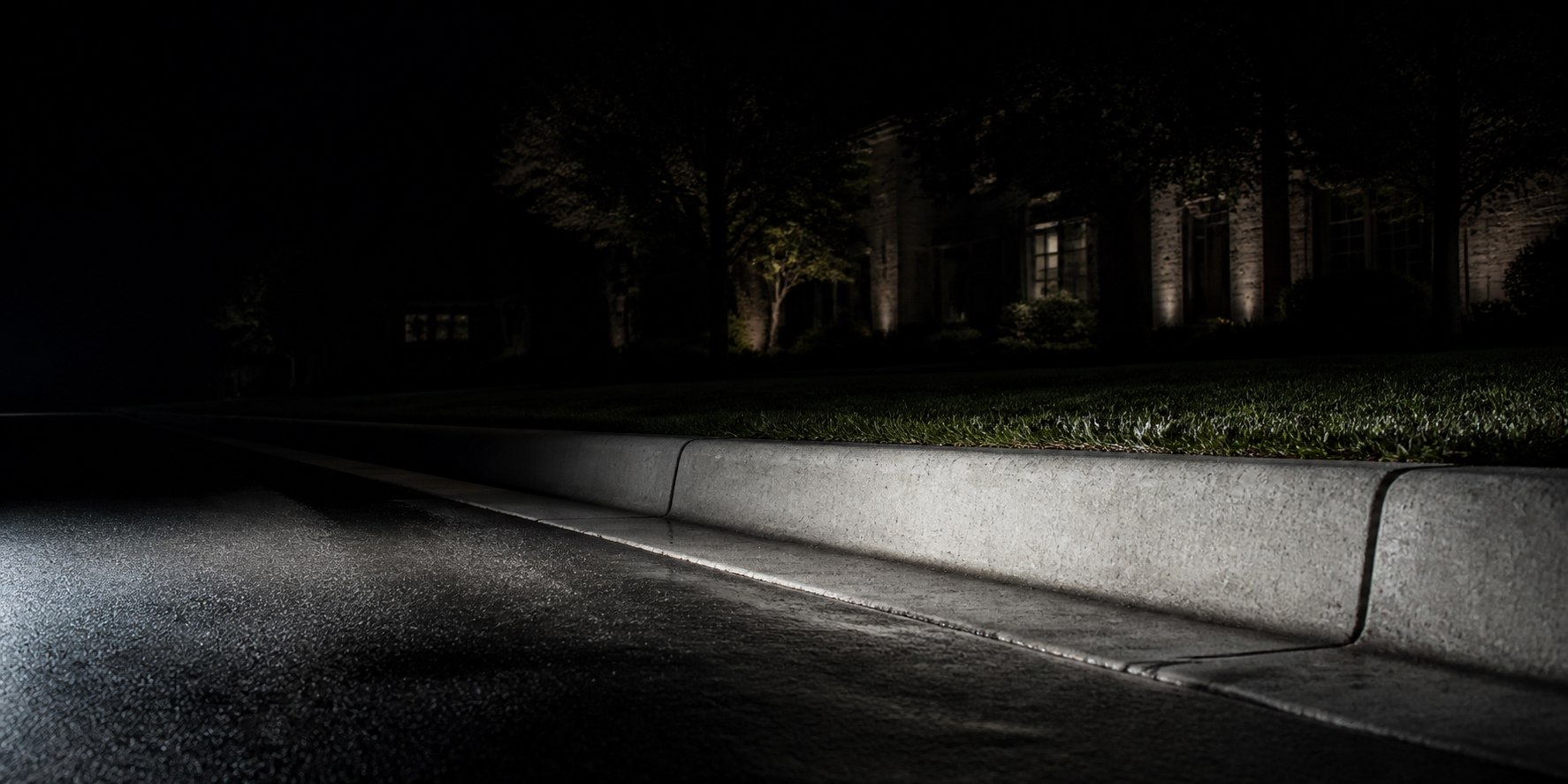
Maximum contrast
Night Beacon
A disciplined dark field that keeps the reflective address number unmistakably central.
Custom reflective curb decals
Personalized reflective address graphics made for the street-facing side of your curb. Choose a style and preview your exact number.
Simulated product overlay. Reflective appearance varies with light, angle, surface, and conditions.
The collection
Maximum contrast
A disciplined dark field that keeps the reflective address number unmistakably central.
American character
A restrained black, red, and blue horizon treatment designed around the number—not over it.
Clean and confident
A broad-appeal civic design with a quiet stripe system and a highly legible center field.
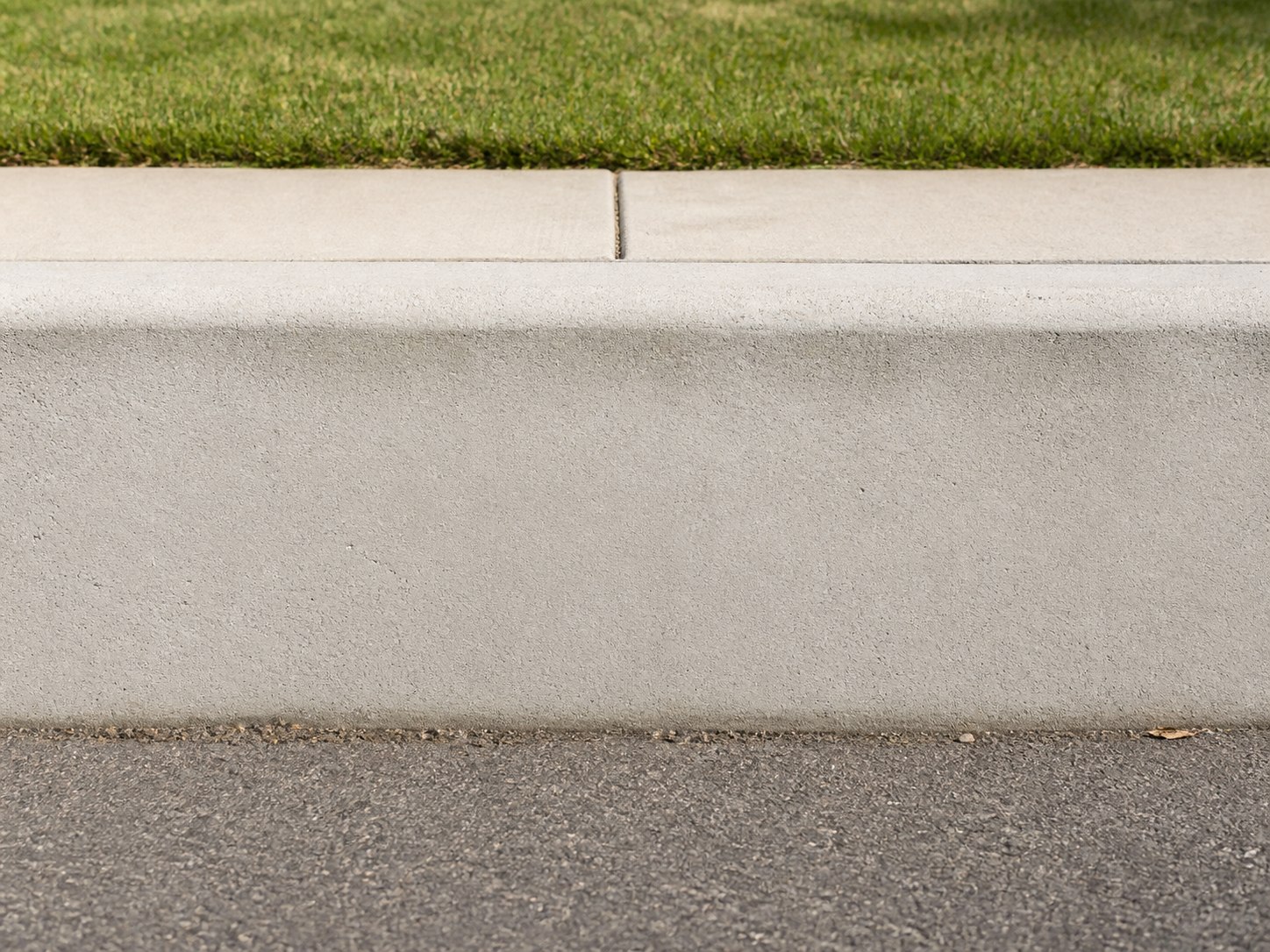
Product images combine a photographed curb environment with the site's exact code-generated design renderer. Final dimensions, pricing, and production artwork will be shown before checkout opens.
Built around you
Pick a design and make the preview personal.
From blank curb to your curb
A preview of the planned path from design choice to an installed address graphic.
Compare the opening design concepts and select the treatment that fits your property.
Enter 1–6 digits and review the exact digits in a layout simulation. The future checkout will require a separate confirmation before payment.
Check the surface and conditions, then apply your graphic using the installation guide.
Already know your number?
Start designingNot every surface or location is suitable. Check compatibility, property permission, and local rules before installation.
Installation, made clear
Preparation matters. The finished product will include a tested application sequence so you can inspect the location before you begin.
Confirm the surface is compatible, sound, clean, and dry before application.
Use the temperature, moisture, and preparation guidance supplied with the product.
Position the graphic using the documented alignment method before committing it to the surface.
Follow the pressure, inspection, and cure or care instructions from start to finish.
Clear before checkout
We put product limits, installation requirements, personalized-order terms, and support paths where you can see them before paying.
Exact-number reviewThe live order flow will preserve the configuration you approve.
Plain-language policiesShipping and remedy terms appear before checkout.
Evidence before claimsProduct claims are limited to what can be supported.
The opening customizer supports 1–6 numeric digits, including leading zeroes. Letters, spaces, and punctuation are not part of the first product release.
No. Reflective presentation depends on the material, light source, viewing angle, weather, surface, and surroundings. The site will not promise a viewing distance or safety outcome without documented testing.
Install only on a compatible, properly prepared surface and within the conditions in the installation guide. You are responsible for property permission and any HOA, landlord, municipal, or other local requirements.
When sales open, production will use the number and configuration you approve. The cancellation point and personalized-product terms will appear before checkout, so review every digit carefully before payment.
When support opens, the published remedy process will explain how to submit an order reference and photographs if needed for damage, defects, or seller errors.
No. Curbidz is an independent brand and is not affiliated with or endorsed by any government, emergency service, or military organization.
Your address. Your design.
Choose a design, enter your digits, and review the layout simulation. Ordering will open only after the product and policy facts are approved.
Customize yours